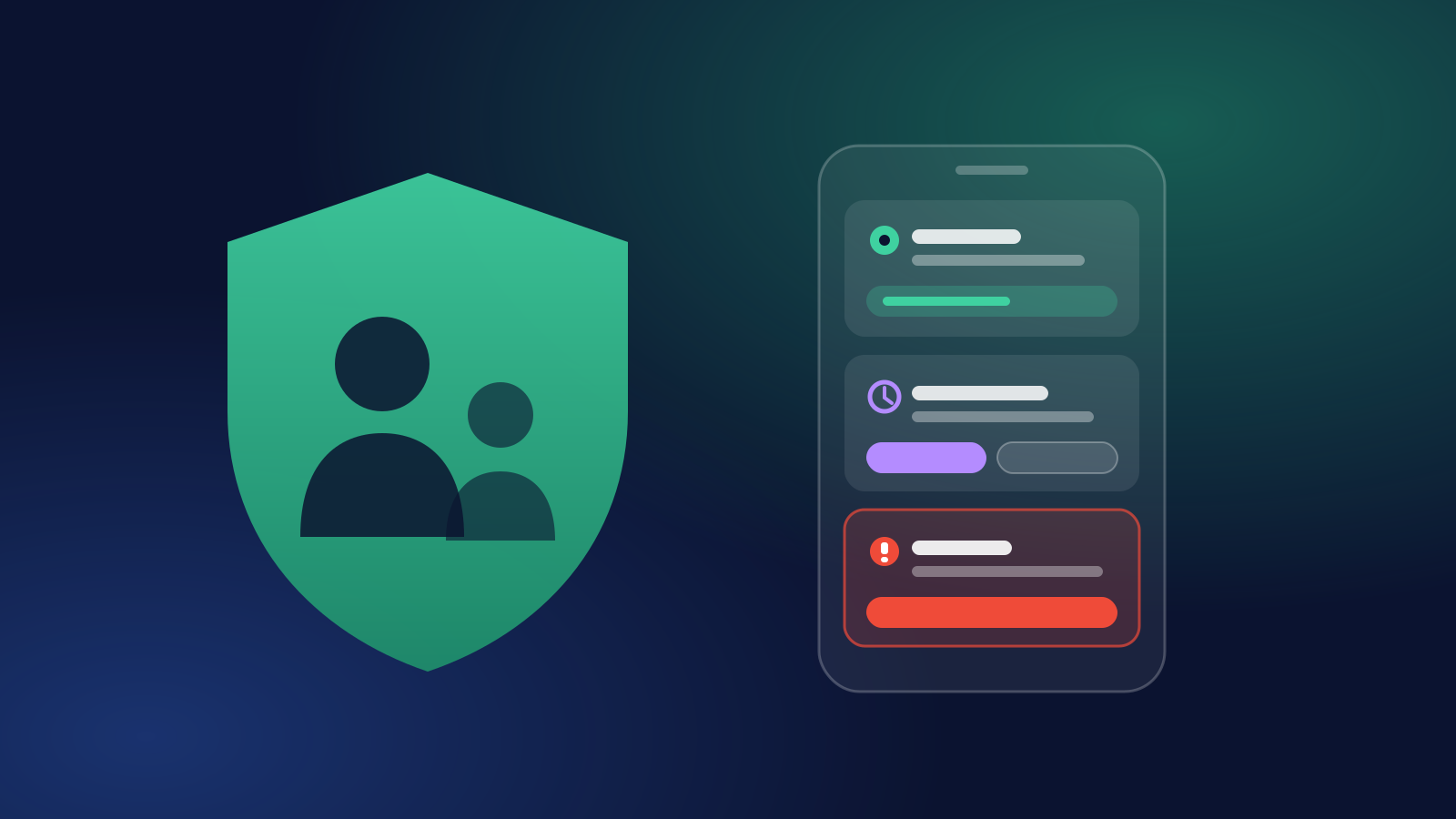
Look after your child’s phone from your own: where it is, whether it is safe, how long it is used, and what it can open — with the child always able to see what is shared and to reach you.
What it does
- Location and Places. See where the phone is and when, with an area name; get an alert when it arrives at or leaves Home, School or any place you add; look back over the last week.
- SOS. One button on the child’s phone alerts every guardian with its location, and keeps improving that location for two minutes.
- Screen time. Schedules that turn the internet off, and on managed phones Wi-Fi off or a lock screen where calls, the emergency number and SOS always work.
- App and website rules. Block apps or give them a daily limit, block websites, and optionally see which websites were opened, with a Block button beside each.
- Ask for more time. Your child asks for 15, 30 or 60 more minutes; you allow or deny with one tap.
- Find the phone. Make it ring loudly, even on silent; and if it has no internet, just call it from a trusted contact’s number.
- Alerts for a new app, a low battery, a removed filter, or a blocked app being opened.
Honest about what a phone allows
Family Shield never hides on the child’s phone, never records calls or messages, and never turns on the camera or microphone. It tells you plainly when something is only detected rather than enforced, and when a phone is simply offline. In Standard Family Mode a determined person with the phone can remove it; Protected Managed-Device Mode, for a phone you set up fresh, makes that much harder.